Tech Partner
You add value during or after hiring: assessments, e-signatures, background checks, onboarding or HR systems.
Partner APISupport article + video



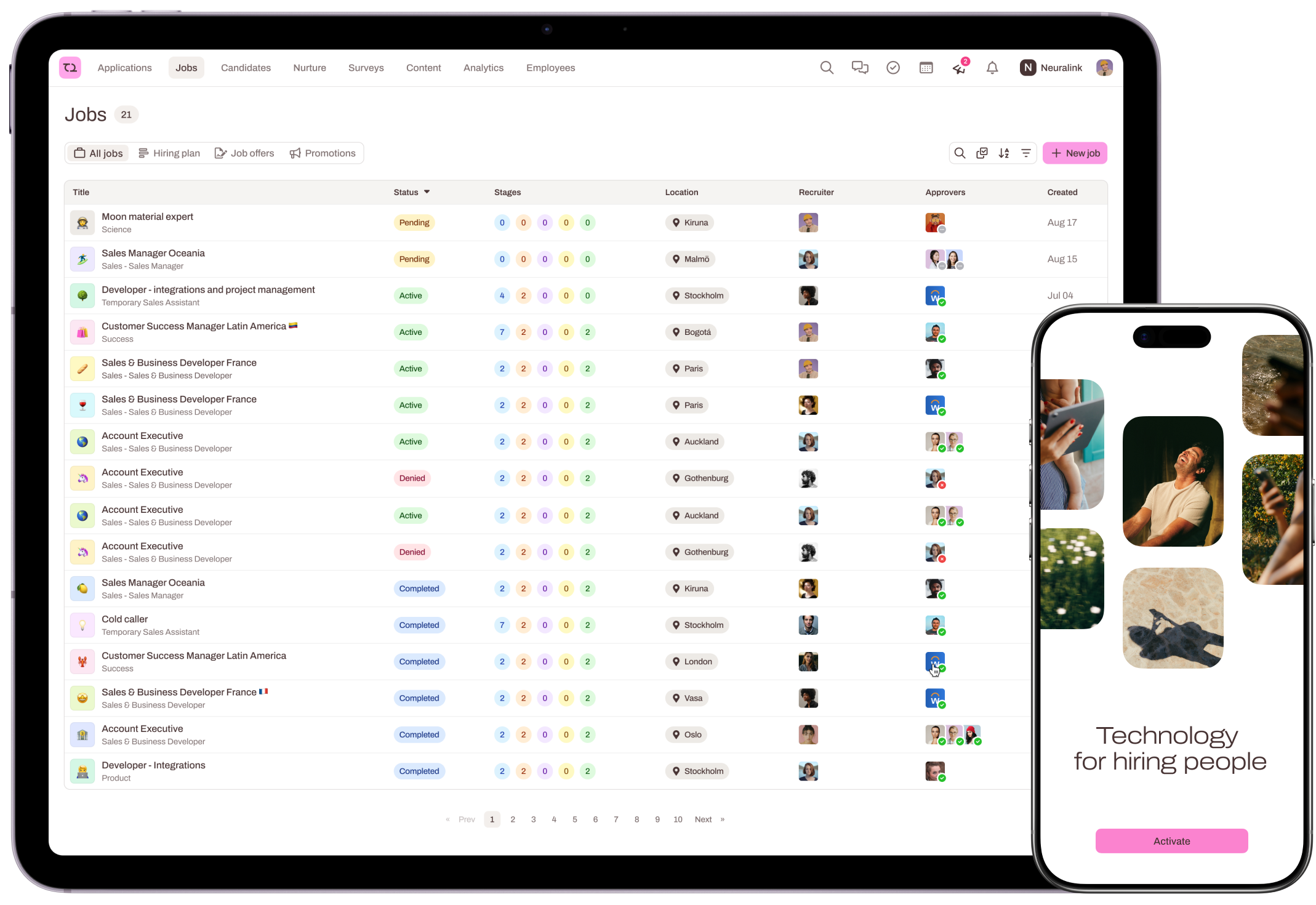
Put your product right where recruiters work. Build an integration, get listed in the Teamtailor marketplace and reach the companies that hire with Teamtailor.
No fees for our APIs, and no fees to launch in the marketplace.
A Partner API, your own sandbox account and an Integrations Hub to manage your listing.
Your integration is listed in both the public and the in-app Teamtailor marketplace.
 The Teamtailor marketplace
Two kinds of integrations, two guides. Pick the one that fits what you build.
You add value during or after hiring: assessments, e-signatures, background checks, onboarding or HR systems.

You publish Teamtailor job ads on your platform and send applications back to Teamtailor.
Five steps, the same for both paths.
Tell us about your solution and what you want to build.
Get your sandbox and build with the Partner or Job Board API.
Run the whole customer flow, from activation to the last data sync.
Write a support article customers can follow on their own.
Complete your listing and submit it. We review and publish.
Integrations don't show up in the marketplace automatically. The Tech Partnerships team tests and reviews every one before it goes live.
Open a step for the details. Each path has its own guide.
Read the Partner API docs and the API decision guide to see which API you need. Then fill in the Tech Partner Integration form, so we can learn about your solution and goals.
Once your request is approved, we send a sandbox invitation to the person who submitted the form. In the sandbox you can:
Test the whole journey, from activation to the last data sync, as a customer would. Teamtailor can't provide a beta customer, so you know the setup inside out before customers use it. Already have a customer who wants to try it? Email techpartnerships@teamtailor.com with the exact name of their Teamtailor platform and we'll activate it for them.
Every integration needs a support article and a short screen recording. Host both on your own website, so you can keep them up to date. See the checklist below, an example article and an example video.
Read the Job Board API docs, then fill in the Job Board Integration form.
Once approved, we send a sandbox invitation to the person who submitted the form. In the sandbox you can:
Test activation, publishing a job and receiving applications back in Teamtailor. Have a beta customer? Email techpartnerships@teamtailor.com with the exact name of their Teamtailor platform.
Host it on your website and add the URL to the Support article URL field in the Integrations Hub. Explain how a customer activates the integration, for example where to find their API key or publishing key, and any fields they need to fill in before promoting a job.
What we review before your integration goes live.
In English, with clear screenshots and sensitive data hidden. Refer to your product by name, not "we". Host it on your own site.
Filled in from the Integrations Hub in your sandbox. Any logo size works, we resize automatically.

No. Our APIs and a marketplace listing are free once all requirements are met.
Yes. It must be built and fully tested in your sandbox, with your documentation complete.
No, but if you have one, we can activate the integration on their platform. Email us their exact Teamtailor platform name.
Use the Partner API (Tech Partners) or the Job Board API (Job Boards). The Public API has limitations and isn't designed for full integrations. Check the API decision guide or ask us before using it.
That you scope, build and test your integration yourselves, keep your documentation up to date, respond to technical questions and keep improving the integration over time.
Contact Teamtailor Support through the chat in your sandbox or at support@teamtailor.com.